

Your Food Village portal
Sacred Heart Secondary School, Westport
Castlebar Rd, Carrowbeg, Westport, Co. Mayo, F28 Y368
Registration code
SHSW
Who are you?
Pick your role and we'll show you exactly what to do.
Open the app, choose your school, and you're ready to order.
Parent accounts manage and support a student account — they don't order on their own.
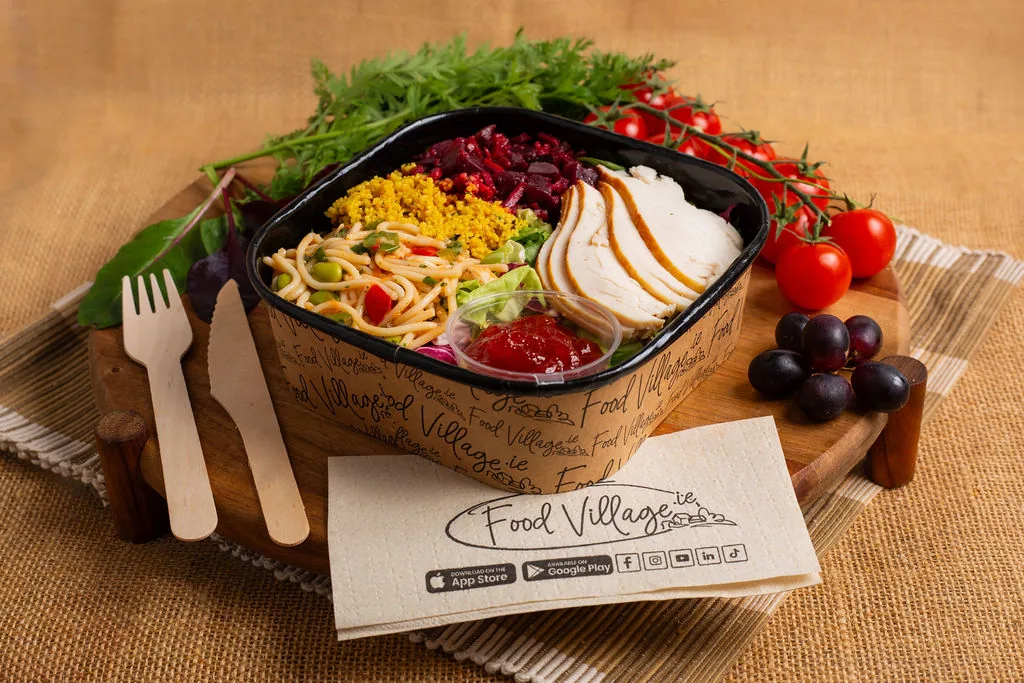
Fresh, balanced meals on-site, without meal prep or a queue.
-
01
Open Food Village
Download the app (or open it if it's already installed).
-
02
Select Education
Choose Education as your account type.
-
03
Choose Student
Select "I am Student."
-
04
Enter your school code
Enter your school's registration code — shown at the top of this page.
-
05
Register
Enter your name, email, phone number and Class/Year, then choose any allergens to exclude from your view.
-
06
Verify
Check your email for a 4-digit code and enter it in the app.
-
07
Order & collect
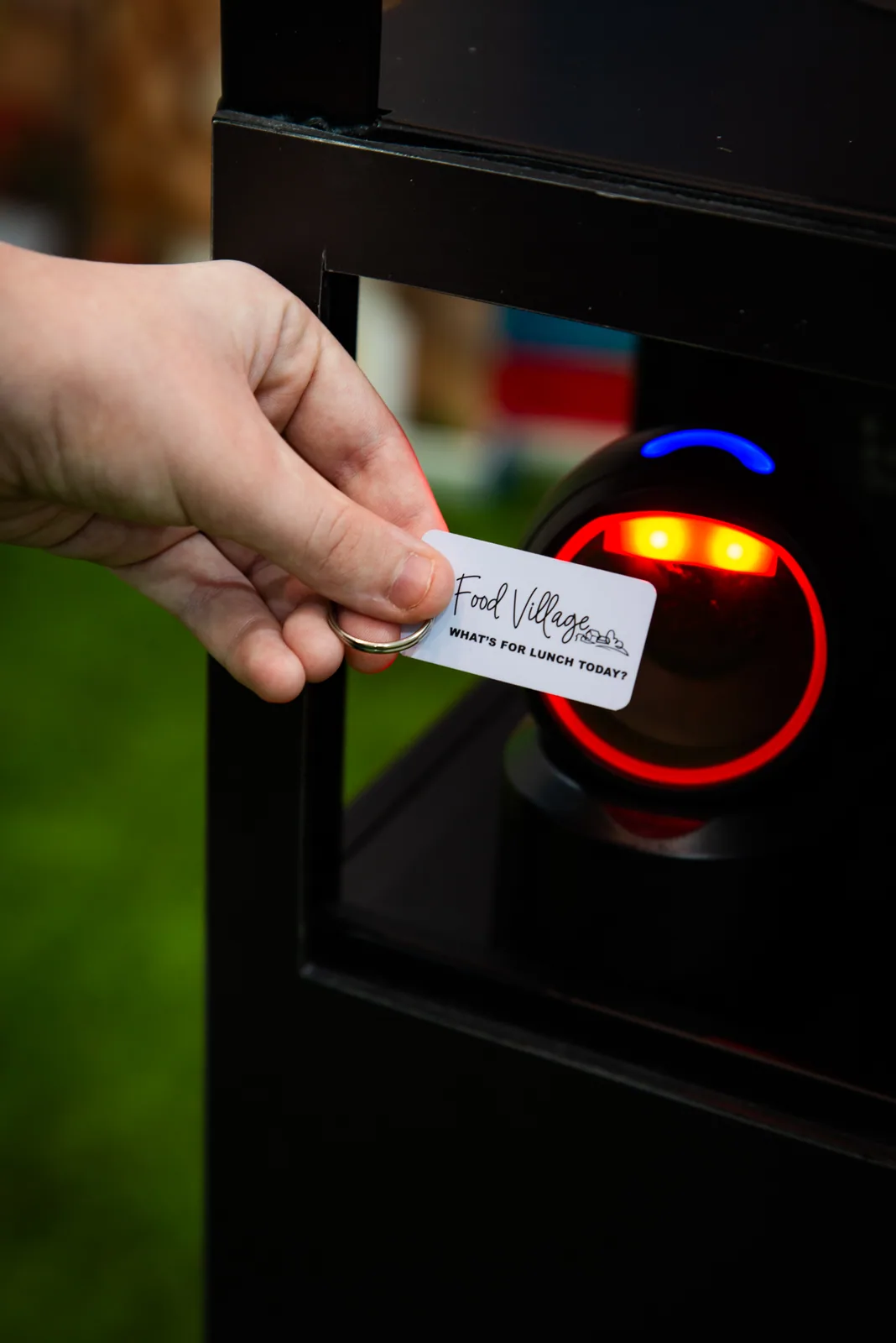
Order ahead in the app and collect with your keytag.
-
01
Register your account
Enter your name, email address and phone number, then set a password.
-
02
Verify your email
Check your inbox for a 4-digit code and enter it in the app.
-
03
Link to your student
Create a new student account, or link to an existing one using their registered email. Your student can also invite you directly from their own app.
-
04
Manage the account
Top up the wallet, set spending limits, and view order history. You won't see saved card details on a linked student account.
-
01
Select "I am a Teacher"
Choose Teacher as your Education type when you start registering.
-
02
Register your account
Enter your name, email address and phone number, then set a password.
-
03
Verify your email
Check your inbox for a 4-digit code and enter it in the app.
-
04
Add a bank card
Food Village is a cashless service — add a card in the wallet section.
-
05
Start ordering
Once verified and topped up, browse the menu and order.
Keytag & collection
One tag, no cash, no card.
Your Food Village keytag is how you collect what you've ordered — tap it at the collection point and you're done. If you didn't pre-order, you can also use the in-school kiosk for same-day choices.


Help
Something not working?
Registration issue
Most sign-up problems are solved by checking the 4-digit verification email hasn't landed in spam. Still stuck? Call or email us below.
What happens if I forget or lose my keytag?
Don't worry — you can still collect your meal. If you don't have your keytag with you, you'll need to wait until the end of the collection line so our Food Village operative can look up your name and confirm your order.
Your keytag is an important part of the collection process, so if it has been lost you can order a replacement and then update the keytag linked to your account in the Food Village app.
Parent linking
Link from the parent side using your student's registered email, or have your student invite you from Profile → Link to Parent/Guardian in their app.
Payment & wallet
Your wallet auto-charges the night before delivery for anything ordered. Add funds any time from the wallet section.
Ordering & cut-off
Orders must be placed at least 36 hours before delivery — for example, order by Sunday midnight for Tuesday's lunch. Change or cancel any time before your countdown timer locks the order.
Allergens
Set your allergens when you register and matching meals are automatically excluded from what you see.
General support
Call (01) 525 3412 or email info@foodvillage.ie — the same team supports every Food Village school.